See Your Fraud Data, Keep Your Transaction History, and Close with Confidence. What’s new in August.

August updates give your team more visibility and control over your fraud detection data, your transaction records, and how you manage access and closings. Here's what's new.
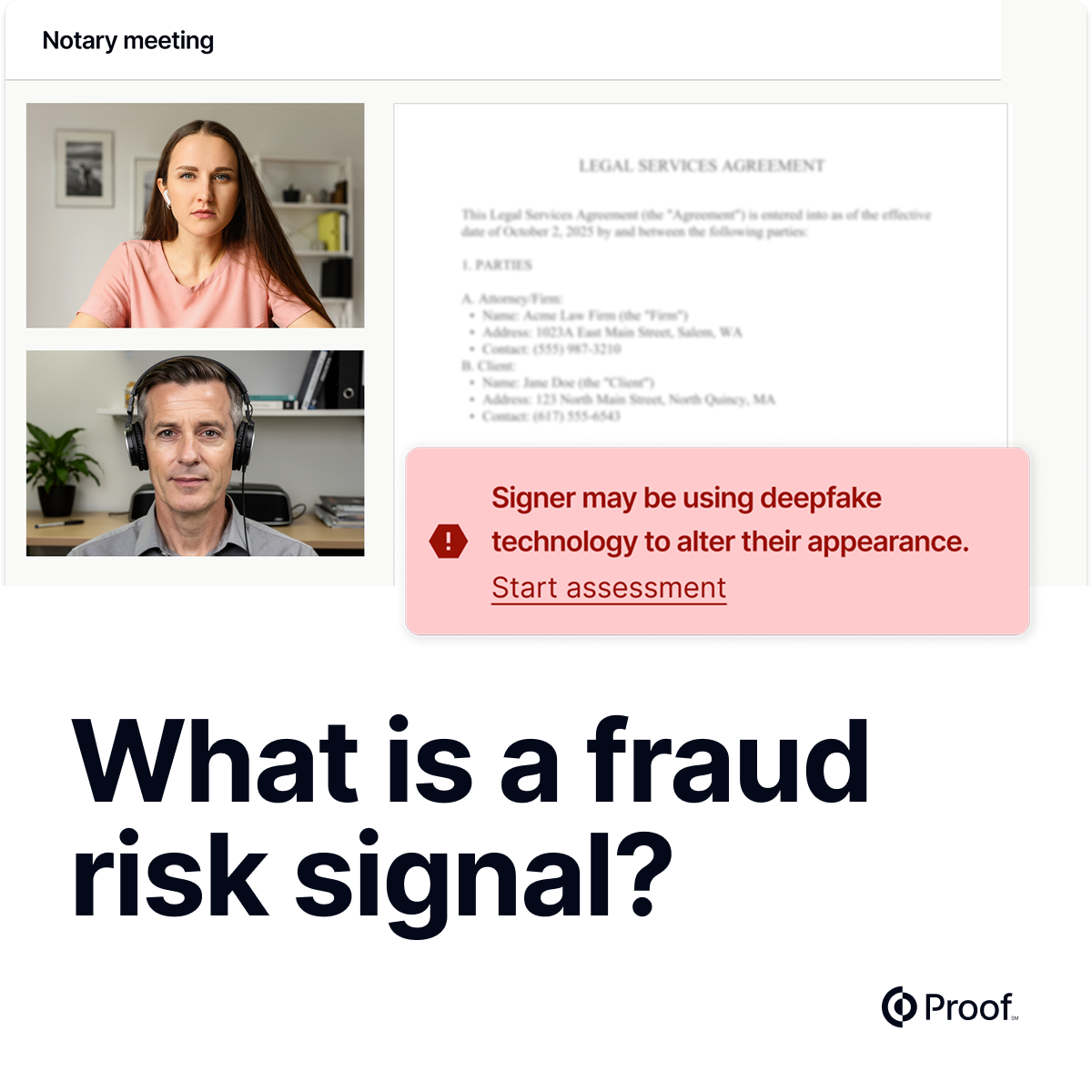
See your fraud detection picture in one place
The Defend Portfolio Dashboard gives customers on-demand visibility into their fraud detection performance across their full transaction portfolio. From the Defend portal, you can now see total transaction volumes by risk tier, risk signal breakdowns, and outcomes for high-risk transactions.
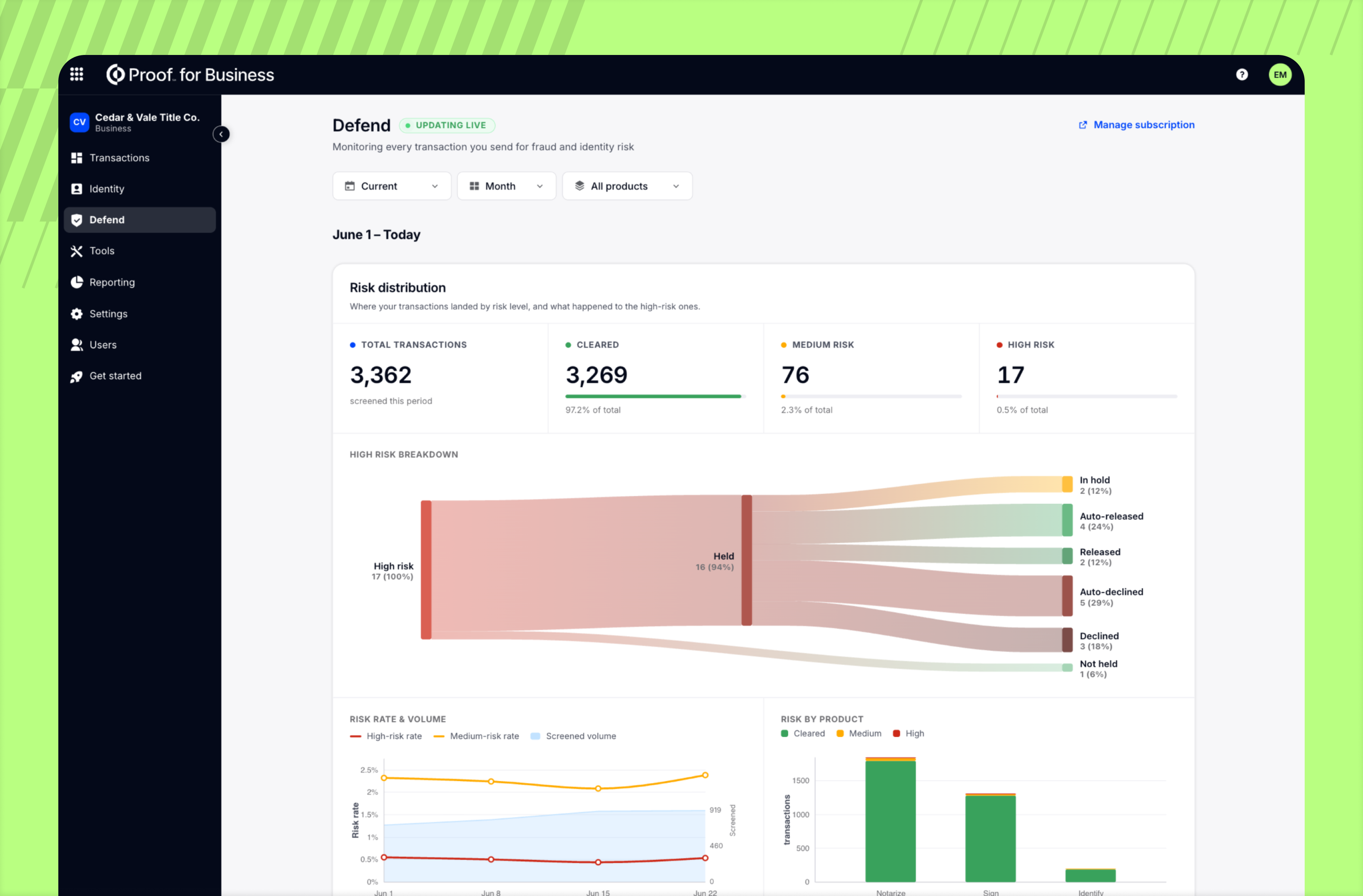
Filter by org, product type, and originator over 30- and 90-day windows and track performance by org without waiting on a report from Proof.
For Defend customers managing high transaction volumes, having portfolio-level data changes how you manage risk and measure value. Customers can track their own results in real time, and fraud and operations teams get the visibility they need to spot trends and act on them before they become problems.
Cancel transactions. Keep the history.
Cancelling a transaction no longer deletes it. Business, Title, and Lender customers can now cancel transactions via the UI and API, and find them in a new "Cancelled" state directly in the transaction dashboard and audit trail.
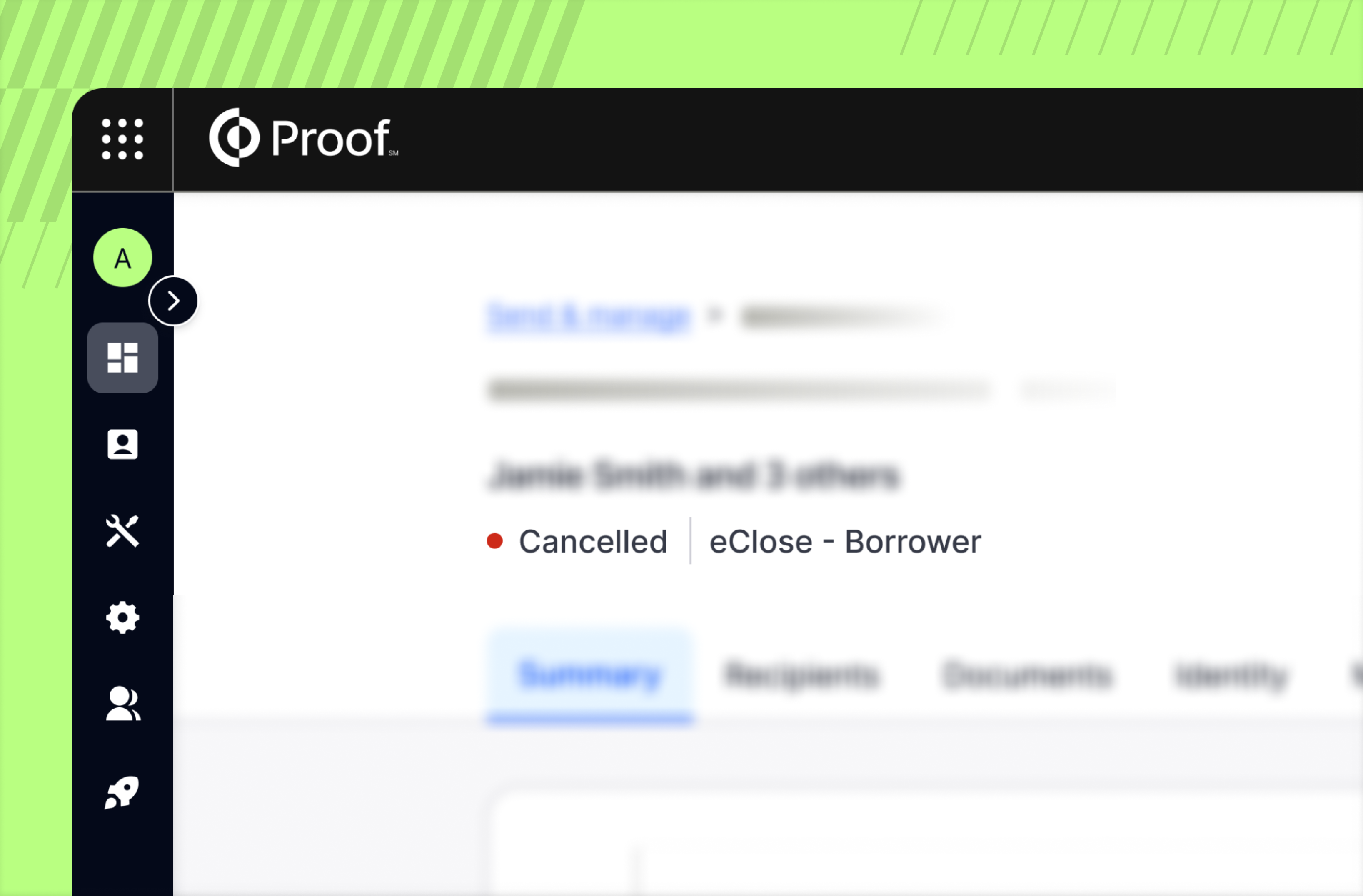
From there, you can delete, archive, or clone the cancelled transaction, giving you flexibility to clean up, keep records, or restart with the same details.
For teams that track transaction history for compliance, reporting, or client records, the new Cancelled state preserves the full history of every transaction.
Individual-level SSO exemptions
SSO exemptions can now be set user by user in Command Center. Previously, the exemption was fixed: the owner plus any admin with Command Center access. Now you will name the specific individuals who can log in with a password, while all other users can only use SSO.
For security teams, this supports shrinking the exemption list to the smallest workable set, usually the one or two people who need a way in if SSO ever goes down. Exempted users will be required to use MFA for their password-based login.
Tag correctly with new buyer and seller fields
Previously, document templates could only be tagged using generic signer fields (Signer 1, Signer 2 through Signer 10). This caused a problem when a template was built to handle multiple possible buyers and sellers — for example, a template tagged with Signer 1 and Signer 2 for buyers, and Signer 3 and Signer 4 for sellers. If a transaction only had one buyer and one seller, the system had no way to know that Signer 3 was meant for the seller. It would simply assign tags in order, placing Signer 1 and Signer 2 (both buyer fields) onto the uploaded document for that transaction instead of placing a tag for one buyer and a tag where one seller would sign.
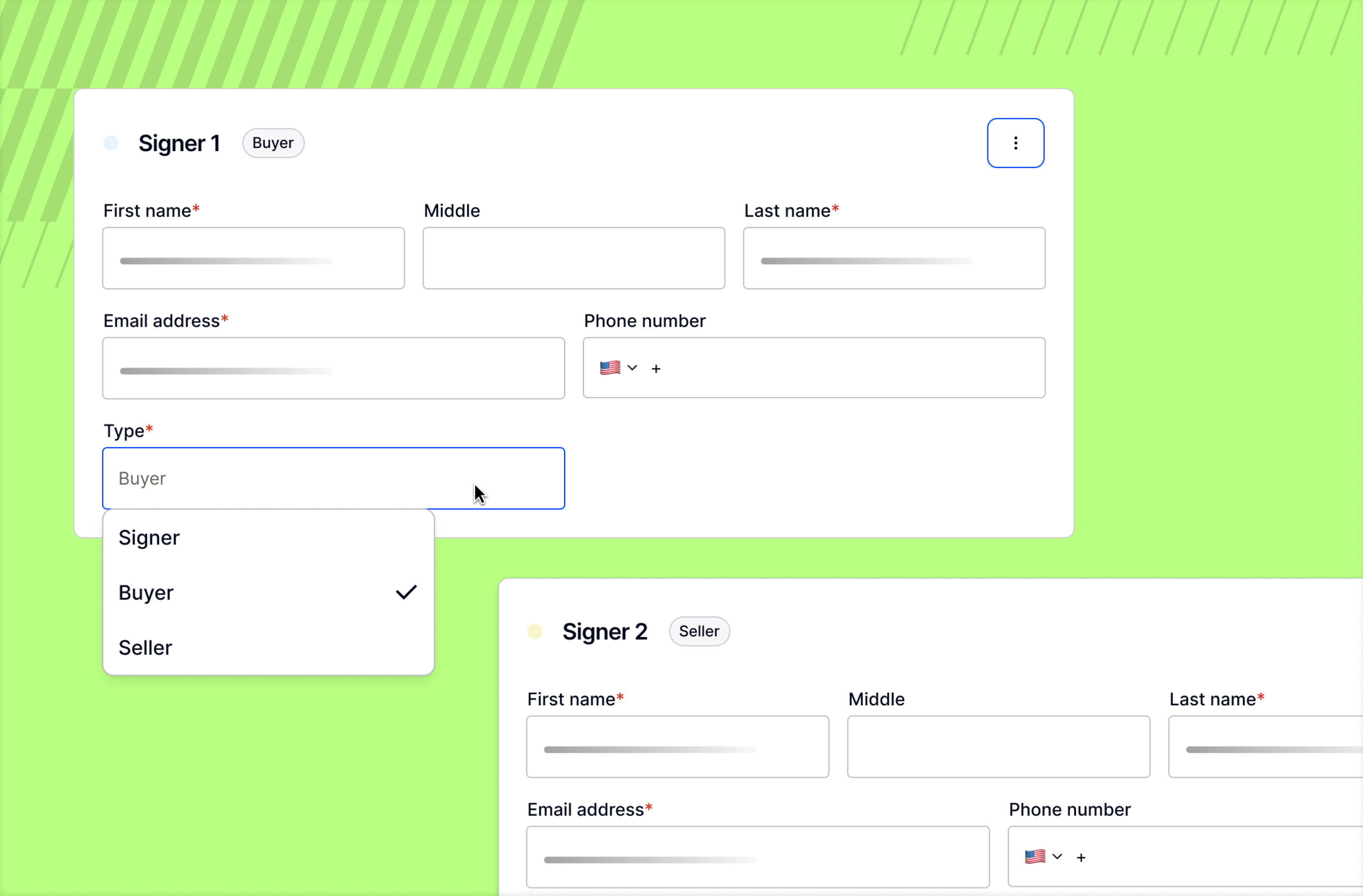
Now customers with access to create and manage document templates can tag fields with the roles Buyer and Seller, in addition to the existing Signer 1–10 options. Then, when setting up a transaction, each recipient card lets you designate whether that person is a signer, a buyer, or a seller. This tells the system exactly which fields correspond to which party, regardless of how many signers are involved.
Secure document vaulting, now for title and lender
Title and Lender customers can now send signed documents straight to their configured EO or Smartsafe vault using a per-document checkbox in the transaction creation UI. PDF vaulting is new for Title organizations, making secure document vaulting part of your standard closing workflow. Please reach out if you do have a vault connected and would like to vault PDFs, in addition to eNotes.
Ready to see how Proof can help your company achieve its goals? Contact our sales team at sales@proof.com to learn more!


































.jpg)









































.jpg)