More Ways to Verify, Authorize, and Protect. July Is Here.

This July, we're shipping updates that expand Proof's identity verification capabilities across more workflows and platforms. New features include verifiable credential presentations via API, a drop-in SDK for web, and Okta IDV certification, giving organizations more ways to verify identity where it matters most.
Deepfake signals are now also unified into the overall Defend risk score, giving your team a single, more complete picture to act on. For customers who create and manage their own document templates, you now have direct control over template application right at upload.
The identity layer for high-stakes workflows
Organizations integrating via the Proof Identity Protocol API can now request verifiable credential presentations from their users using OID4VCP, the open standard for credential presentation.

The flow works like a standard OAuth redirect: your integration sends users to Proof, where they authenticate and consent to share specific identity attributes like name, date of birth, or age verification. Proof returns a cryptographic presentation record confirming the credential was presented without the relying party ever receiving the full credential or needing to build their own credential infrastructure.
The digital identity ecosystem is moving toward standards-based verifiable credentials for use cases that PDF identity reports can't support: KYC/AML proof transmitted alongside crypto transfers, secure payment authentication, physical access verification, and enterprise account recovery. For organizations integrating with Proof, this adds a machine-readable identity layer that can drive automated business logic downstream. Users get selective disclosure, sharing only what's needed for the specific transaction without exposing their full identity record.
Add Proof identity verification to your site in minutes
The Proof Button SDK for Web gives developers a ready-made React component and JavaScript library for adding Proof-powered identity verification to any website. Drop in the button, configure your credentials, and users are redirected through Proof's OID4VP verification flow and returned to your app with a cryptographic confirmation of their identity. No custom cryptographic logic required on your end.
Before the SDK, integrating Proof's identity verification meant building the entire technical handshake from scratch. Now it's a drop-in, built on an open standard, that gets teams to go-live faster without a large engineering investment.
Real-time deepfake intelligence
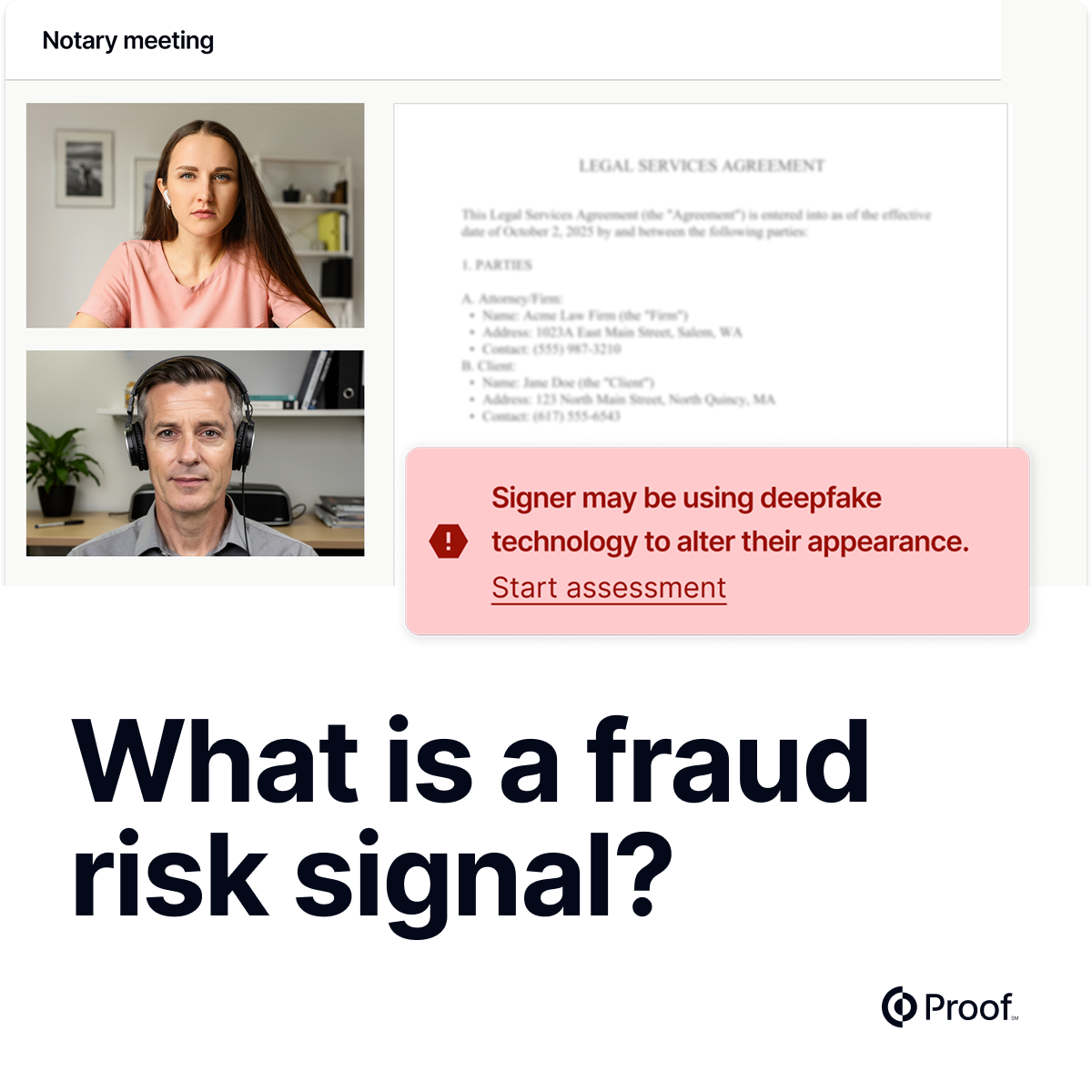
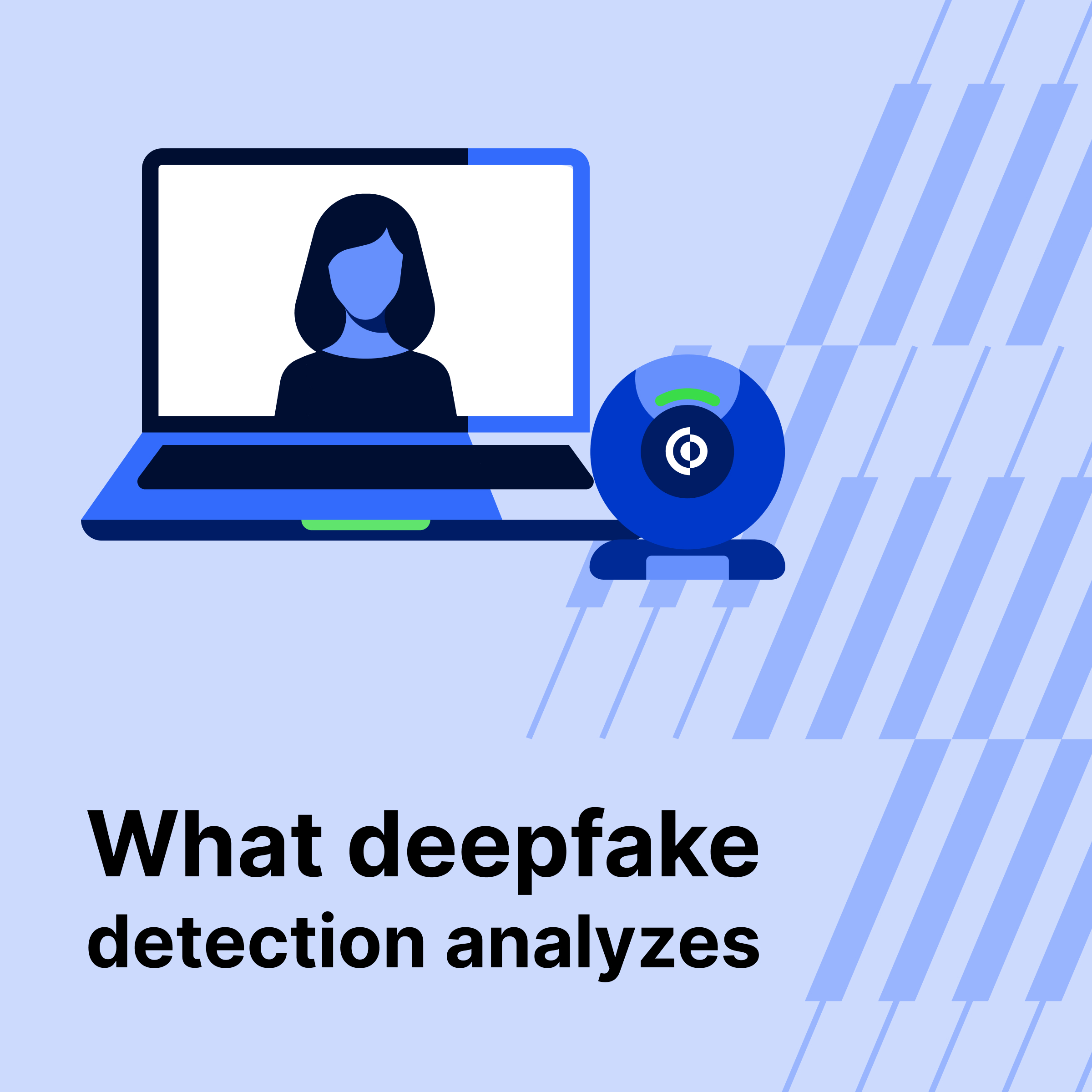
Defend's deepfake detection results are now integrated directly into the overall transaction risk score.
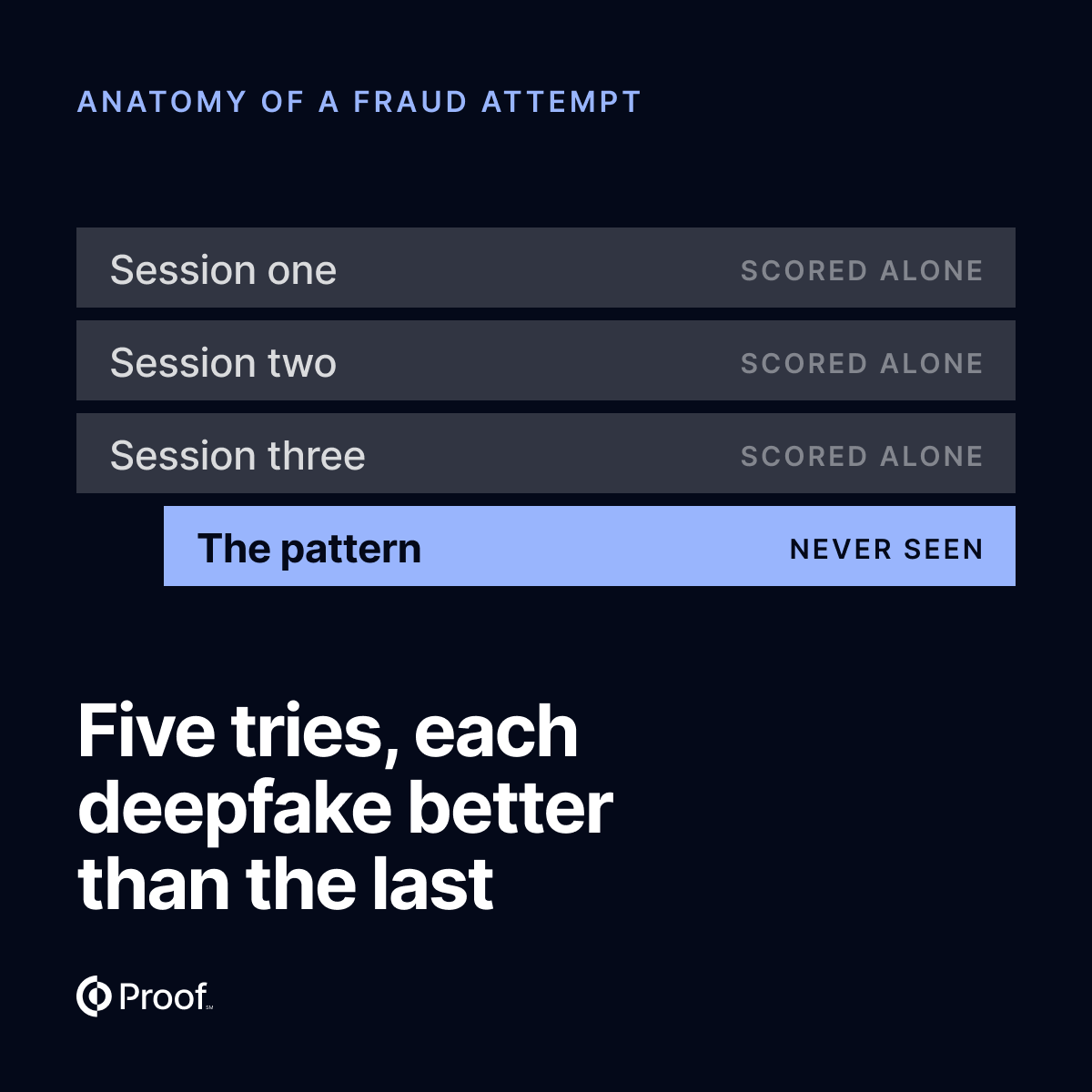
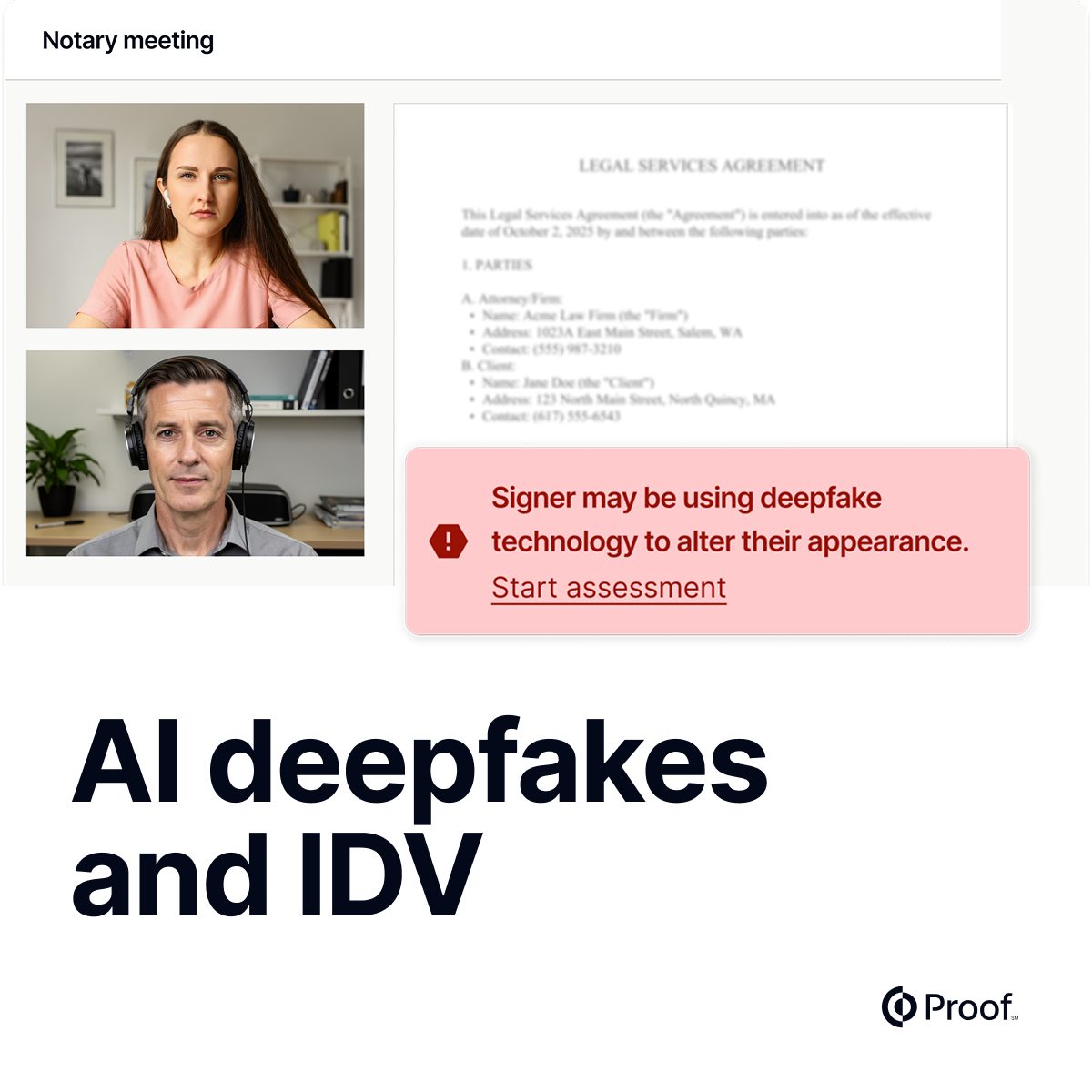
When a deepfake is suspected during a notary meeting, the detection signals are passed to Defend's fraud engine in real time, updating the risk score instantly. Risk routing rules respond automatically based on your configured thresholds, and the Risk tab reflects deepfake findings alongside all other risk signals in a single, unified view.
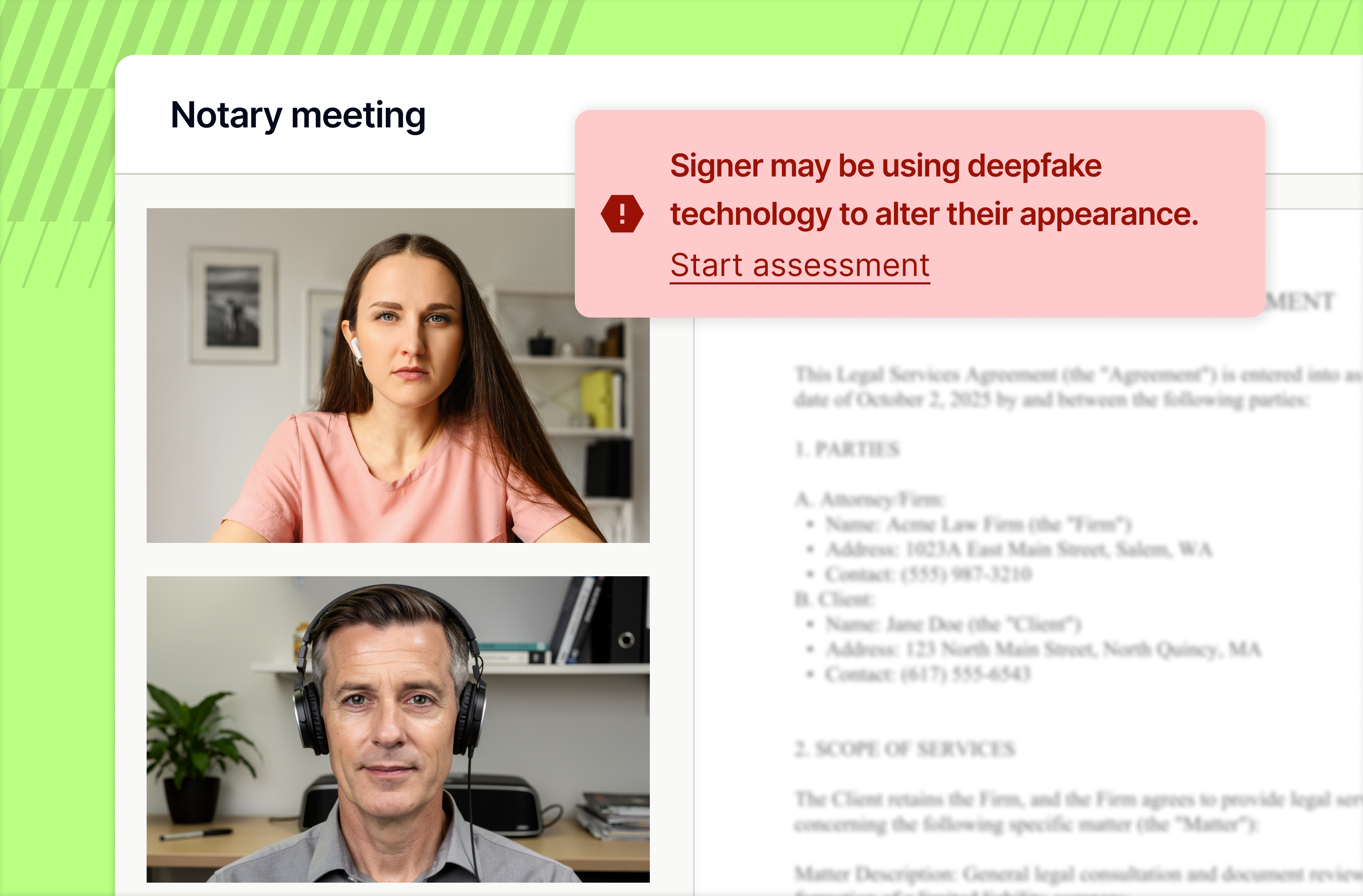
Previously, deepfake detection appeared as a separate analysis that required manual review before your team could act. With deepfake signals now part of the same score driving risk routing and the risk summary, there's no extra step between detection and response.
For fraud analysts and operations teams managing high-value transactions, this means faster action, fewer manual handoffs, and a more complete picture of transaction risk in one place.
Pick the template. Tag it right the first time.
Business and Title customers who manage their own document templates can now select a template to apply directly in the document upload modal. When uploading a document, you choose from three options: automatic matching (if enabled), a specific template from your org's library, or no template at all. When you select a template, its fields are copied onto your uploaded document at the same XY coordinates as they are tagged on the template.
For high-volume customers managing complex document packages, having direct control over template application means fewer errors, less rework, and less reliance on support for template issues. If you know the right template for a document, you can apply it yourself in seconds.
Ready to see how Proof can help your company achieve its goals? Contact our sales team at sales@proof.com to learn more!



























.jpg)


































.jpg)