How to Implement Digital Identity Verification

Updated July 8, 2026
Digital identity verification has become a baseline requirement for any organization that onboards customers, processes transactions, or manages sensitive documents online. The question is no longer whether to implement it, but how to do it in a way that actually works: one that stops fraud, satisfies regulatory requirements, and doesn't create so much friction that users abandon the process before completing it.
This guide breaks down the core components of a digital identity verification system, the methods available, and what a thoughtful implementation looks like in practice.
Key takeaways
- Digital identity verification is the process of confirming who someone is using digital tools — document checks, biometric comparison, liveness detection, and database cross-referencing — rather than in-person interaction.
- The right combination of verification methods depends on your risk level: low-risk onboarding requires less; regulated or high-value workflows require the full stack.
- Building identity verification from scratch is rarely the right choice. The regulatory requirements are evolving, the components are complex, and the stakes of getting it wrong are high.
- The best identity verification systems are ones users barely notice — clear instructions, short completion times, and graceful fallback paths for edge cases significantly improve both completion rates and fraud detection.
Why digital identity verification matters now
Fraud is not a background risk. The FTC reported $12.5 billion in consumer fraud losses in 2024, a 25% increase over the prior year. Javelin Strategy and Research estimated that identity fraud caused $27.3 billion in losses affecting 18 million victims in 2025 alone. Credential theft surged 160% in 2025, according to Recorded Future, with 1.8 billion logins stolen from nearly 6 million compromised hosts.
The implication for businesses is direct: if your onboarding process relies on users self-reporting who they are, you have a gap. Digital identity verification closes it.
What digital identity verification includes
Digital identity verification is the process of confirming that a person is who they claim to be, using digital tools rather than in-person interaction. A complete verification system typically includes several layers:
Document verification checks a government-issued ID (passport, driver's license, national ID card) for authenticity. This involves optical character recognition (OCR) to extract data, analysis of security features like holograms and microprint, and cross-referencing against known document templates.
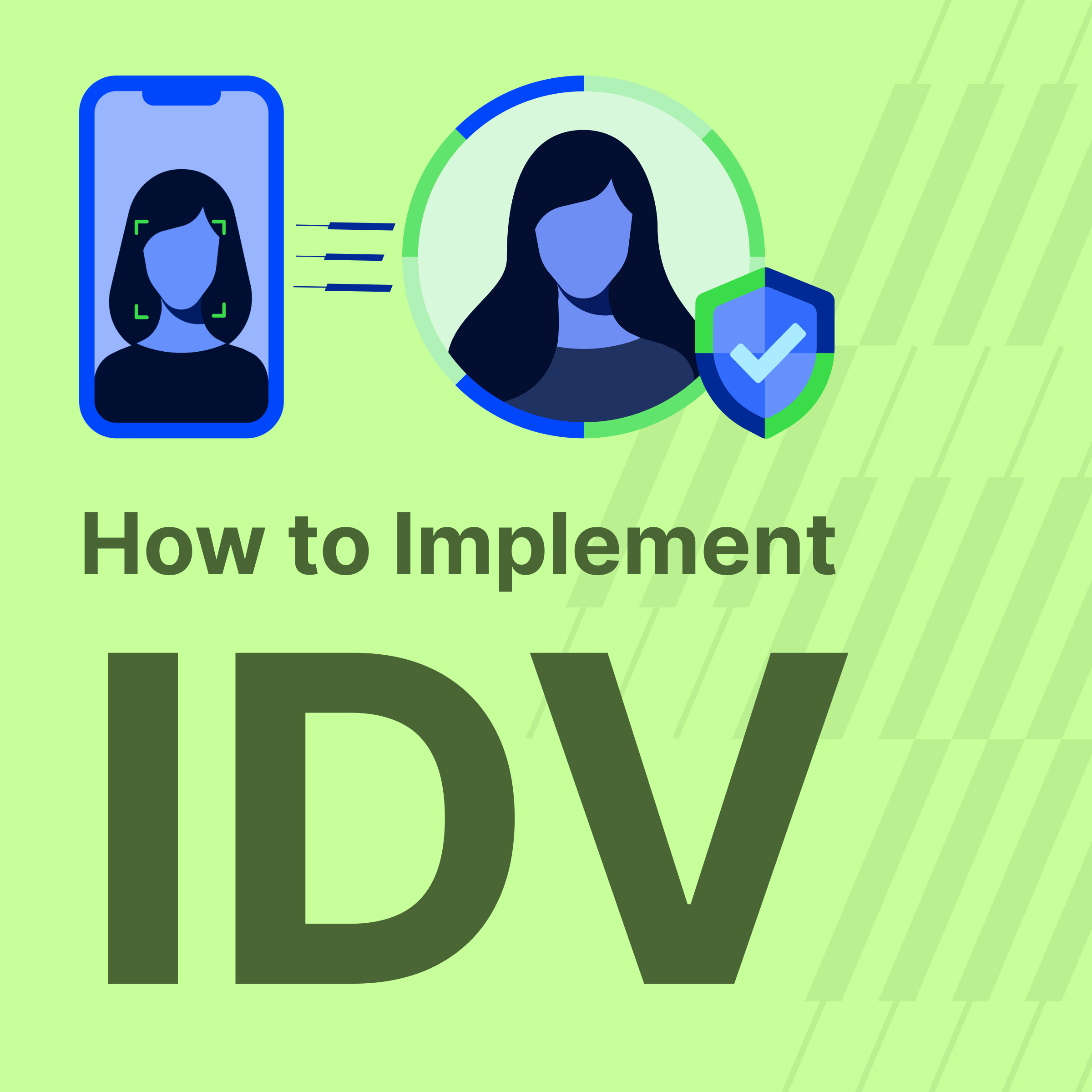
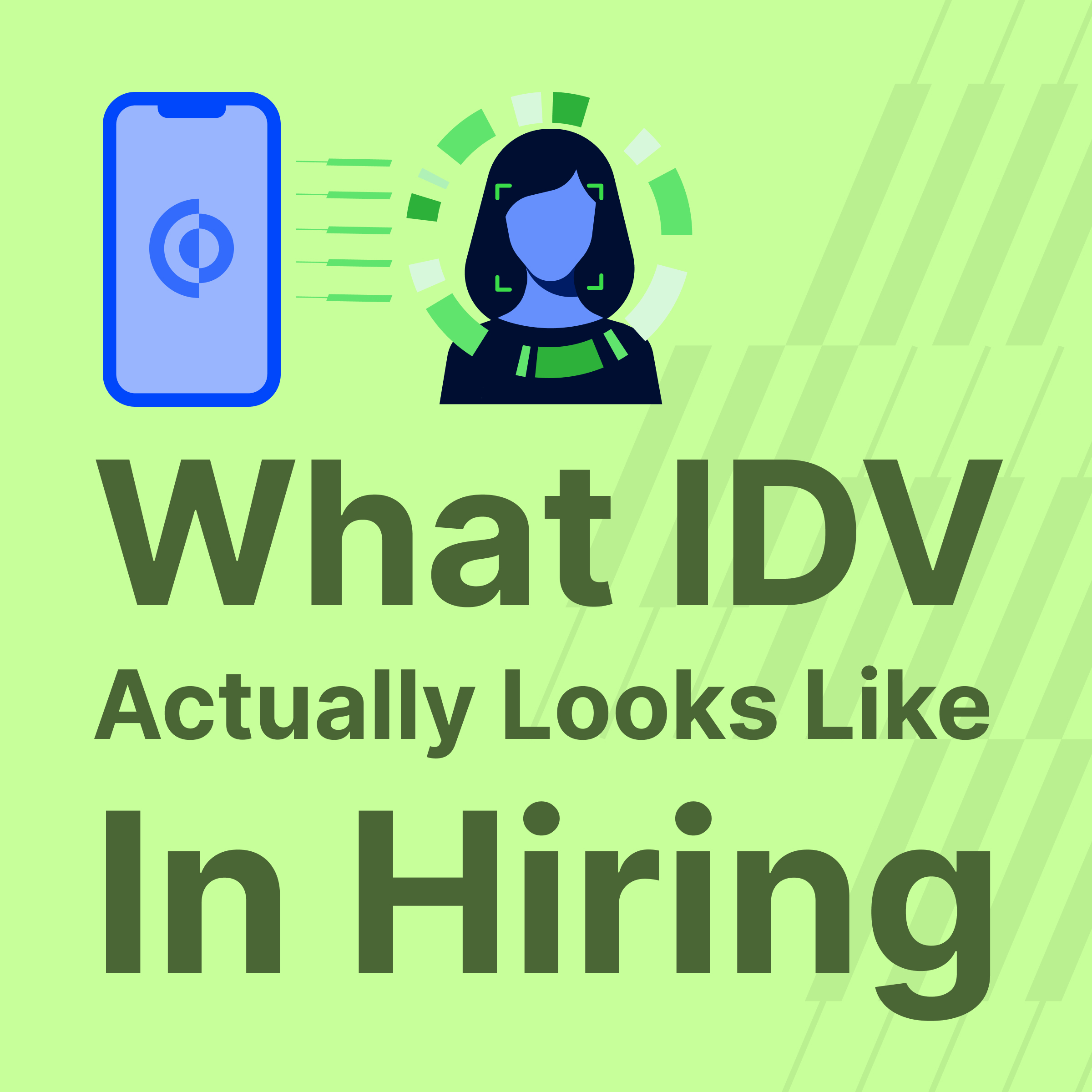
Biometric comparison matches a selfie or live video capture to the photo on the submitted ID. This confirms the person holding the ID is the same person who issued it.
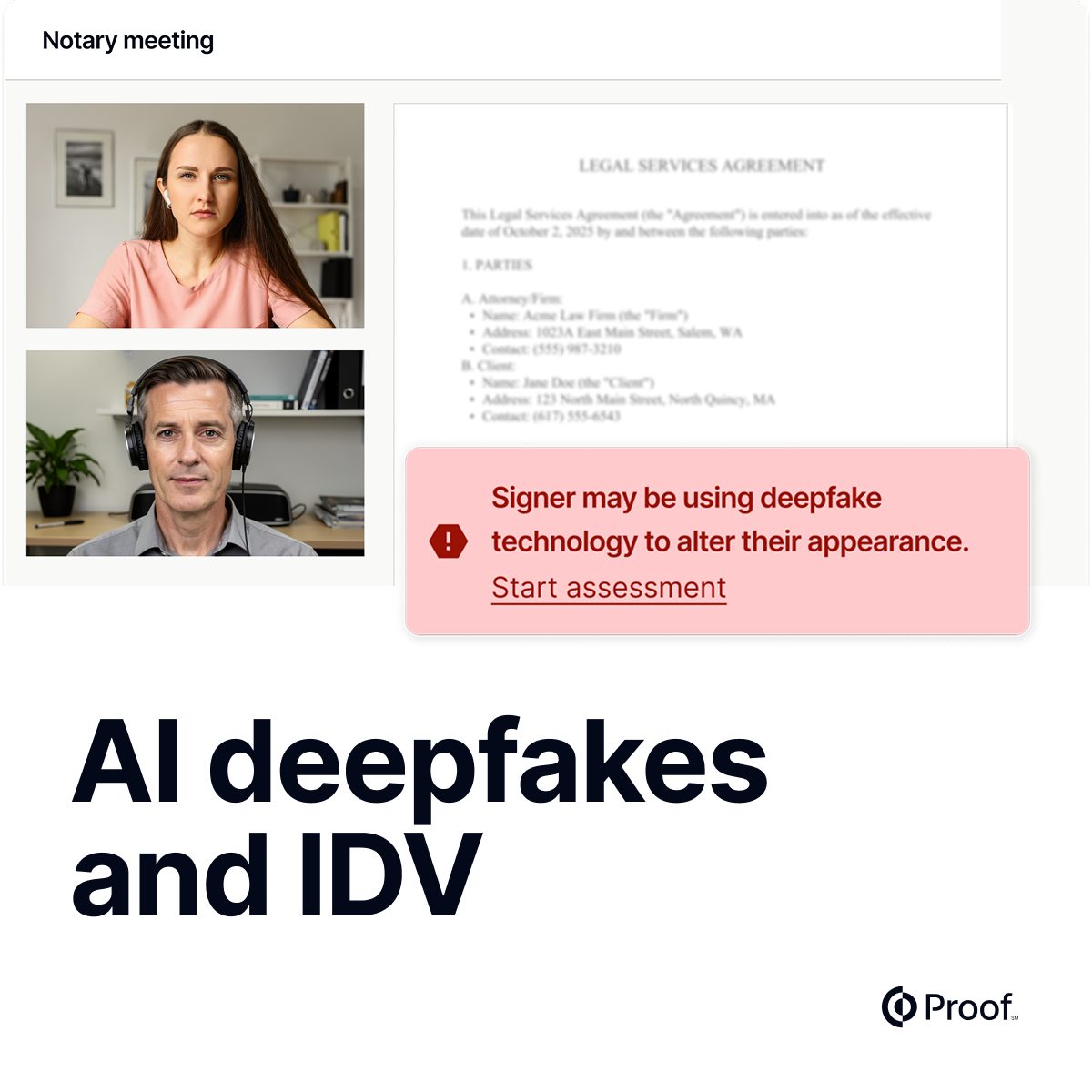
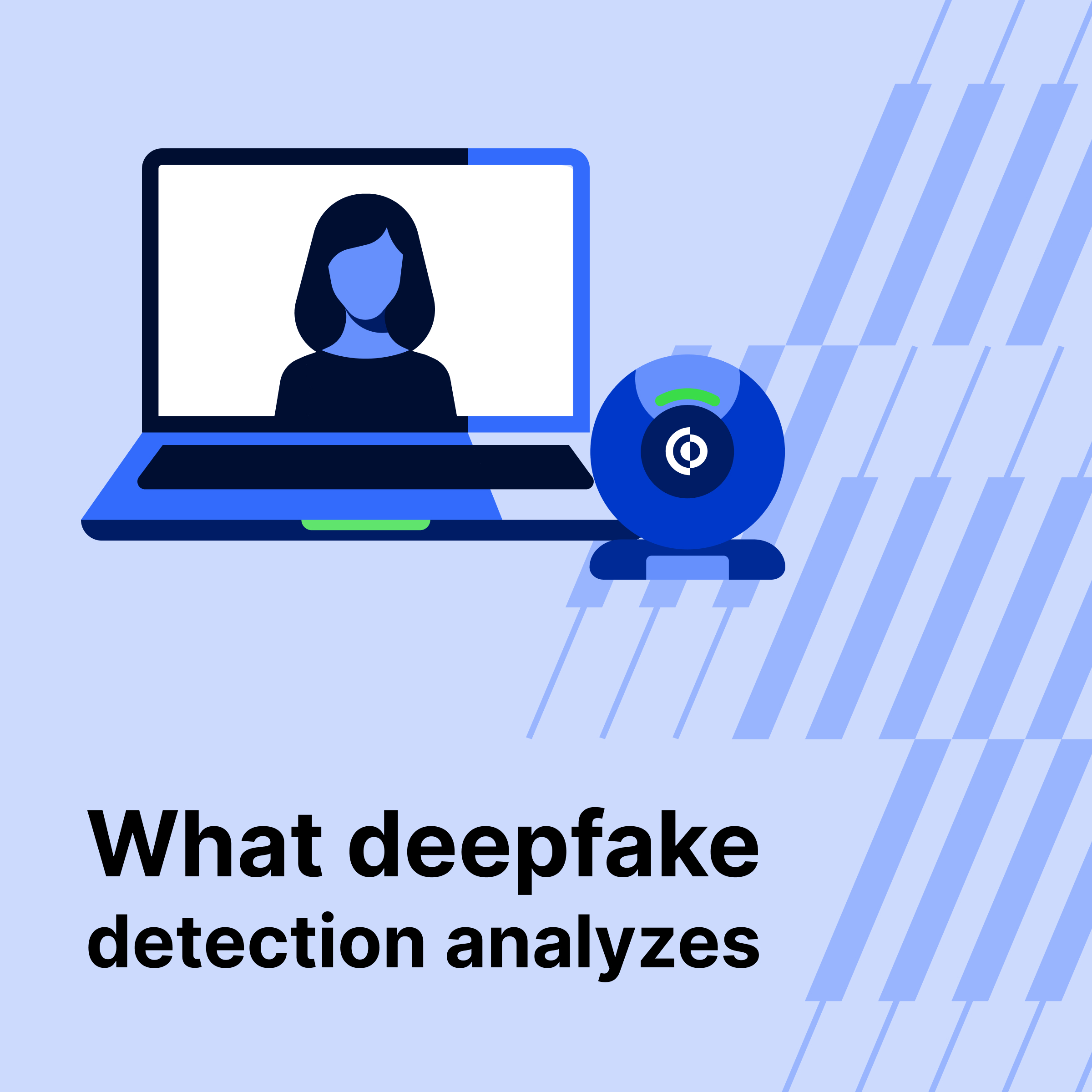
Liveness detection confirms a real person is present, rather than a photo or video replay. Passive liveness checks analyze subtle cues in the image; active checks may ask the user to blink, turn their head, or complete a short motion prompt.
Database verification cross-references the submitted identity data against authoritative records: credit bureaus, government databases, sanctions lists, and watchlists. This step is particularly important for KYC and AML compliance.
Ongoing monitoring tracks identity signals after onboarding, flagging changes in behavior, device, or access patterns that might indicate account takeover or fraud.
Choosing the right verification methods for your use case
The right combination of methods depends on your regulatory environment, your user base, and your risk tolerance.
Low-risk onboarding (content platforms, basic account creation) can often rely on email or phone verification combined with light document checks. The risk of fraud is relatively low, and over-verification creates unnecessary friction.
Medium-risk transactions (financial services, e-commerce, insurance) typically require document verification plus biometric comparison at minimum, and may add knowledge-based authentication (KBA) or database checks for higher-value transactions.
High-risk or regulated workflows (mortgage closings, securities transfers, healthcare, legal documents) generally require the full stack: document verification, biometrics, liveness detection, database checks, and often a live human element. In some cases, this means a video call with an identity verification specialist or a commissioned notary who can confirm identity under legal authority.
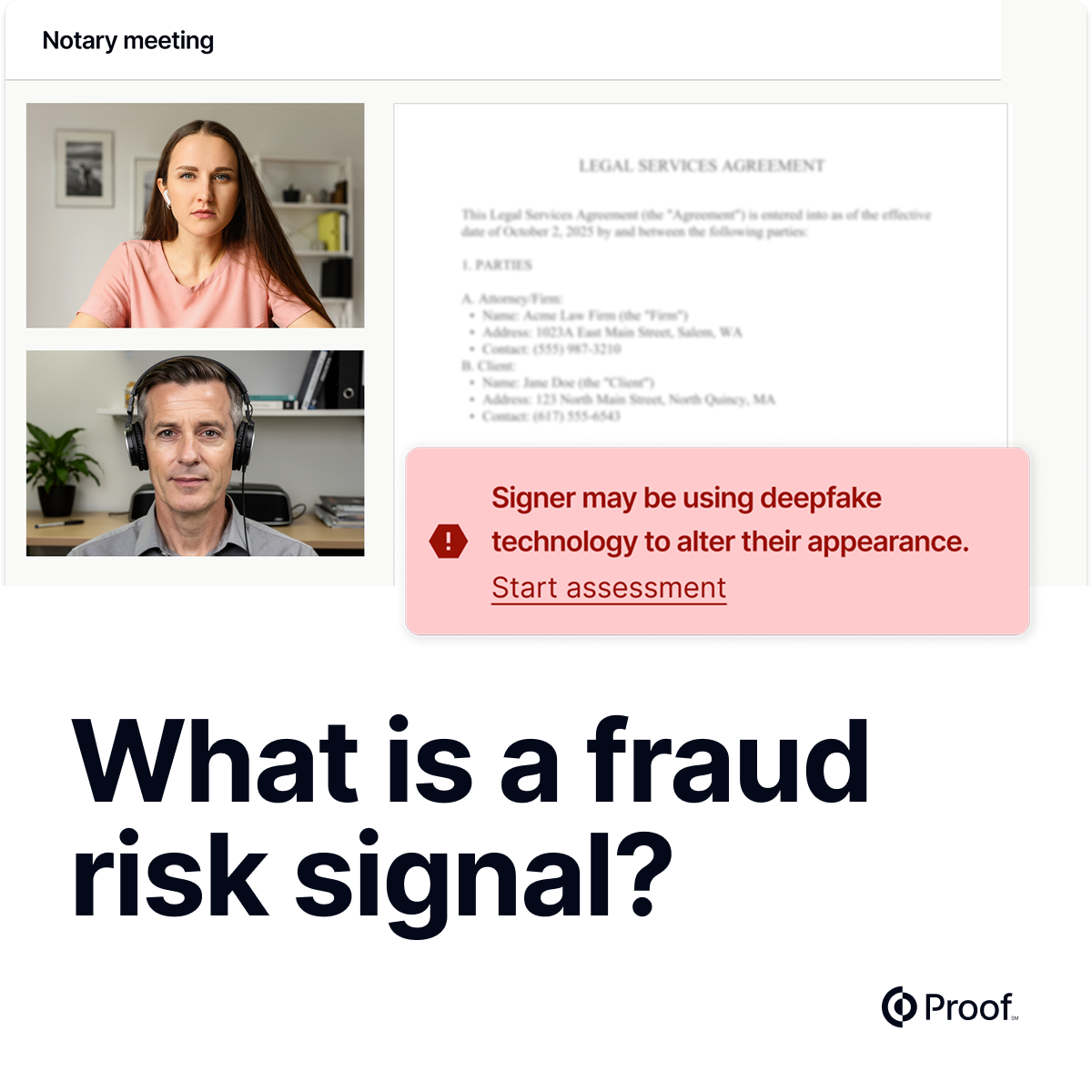
Proof Identify handles automated identity verification across workflows of all types, from routine onboarding to high-volume transaction processing. For cases that require an additional human layer, Proof Verify offers identity validation over live video, providing the kind of scrutiny that holds up in regulated or contested environments. And across all verification types, Proof Defend monitors 400+ real signals to detect fraud before it passes an identity check.
How to implement digital identity verification
1. Define your risk profile and regulatory requirements
Before you choose a technology, get clear on what you actually need to achieve. Are you satisfying a KYC obligation under the Bank Secrecy Act? Complying with state-specific digital identity laws? Simply reducing fraud at account creation? Your regulatory requirements will dictate the minimum standard. Your risk profile will tell you whether to exceed that minimum.
2. Map the verification touchpoints in your workflow
Identity verification is typically needed at several moments: initial onboarding, high-value transactions, account recovery, and sensitive document signing. Map each of these moments and define what level of verification each requires. Over-verifying at low-risk touchpoints creates friction without reducing fraud; under-verifying at high-risk moments creates exposure.
3. Select a verification provider
Building identity verification from scratch is rarely the right choice. The components are complex, the regulatory requirements are evolving, and accuracy matters enormously. A false positive (legitimate user rejected) costs you a customer. A false negative (fraudulent user accepted) costs you much more.
Evaluate providers on:
- Accuracy rates for document verification and biometric comparison across the ID types your users are likely to present
- Liveness detection quality and resistance to spoofing attacks
- Geographic coverage if your users span multiple countries
- Compliance posture and whether the solution meets the specific standards applicable to your industry
- API quality and developer experience since this will affect how quickly and cleanly you can integrate
- Audit trail and reporting capabilities for regulatory documentation
4. Design for user experience
The best identity verification systems are ones users barely notice. A process that requires multiple retries, confusing prompts, or poor mobile camera handling will see high abandonment. Build for the realistic conditions your users are in: varied lighting, lower-end phone cameras, and users who have never done this before. Clear instructions, short completion times, and graceful fallback paths for edge cases (expired ID, unusual document format) significantly improve both completion rates and fraud detection.
5. Build a review workflow for edge cases
Automated systems are good but not perfect. A document that's partially obscured, a selfie with poor lighting, or an ID from a less-common country may not clear automated checks even when the user is legitimate. Build a human review path for these cases so that legitimate users aren't permanently blocked.
6. Establish ongoing monitoring
Initial verification is a starting point. Fraudsters know that many systems verify once at onboarding and then trust indefinitely. Continuous authentication that monitors behavioral patterns, device signals, and access anomalies extends protection throughout the customer lifecycle.
The bottom line
Digital identity verification works when it's designed thoughtfully: layered methods that match the risk level of the transaction, integrated seamlessly into the user workflow, backed by human review for edge cases, and connected to ongoing monitoring.
The cost of getting this wrong, whether through fraud losses, regulatory penalties, or abandoned customers, is substantially higher than the cost of getting it right. The technology to do it well exists and is accessible through platforms built for exactly this purpose.
Ready to build digital identity verification into your workflow?

















































.jpg)


















































.jpg)