The Different Types of Signatures and When to Use Each One


Updated September 14, 2026
Choosing the wrong signature type for a high-stakes document is a compliance failure waiting to happen. A typed name on a PDF carries a fundamentally different level of legal assurance than a cryptographically signed document backed by a Certificate Authority. For businesses in real estate, financial services, healthcare, and insurance, that difference determines whether a signed agreement holds up in court or falls apart under scrutiny.
This guide breaks down the different types of signatures, explains the distinction between electronic and digital signatures, and gives you a clear framework for matching signature type to document risk.
Key takeaways
- All digital signatures are electronic signatures, but electronic signatures are a broader category that includes many forms with varying levels of identity assurance.
- The three types of electronic signatures defined under the EU's eIDAS regulation are simple electronic signatures (SES), advanced electronic signatures (AES), and qualified electronic signatures (QES), each providing a different level of identity verification and legal defensibility.
- Digital signatures use Public Key Infrastructure (PKI) to cryptographically lock document content, making any post-signing alteration detectable and invalidating the signature.
- High-stakes transactions, including real estate closings, loan agreements, and legal contracts, require AES or QES to produce defensible documentation.
- The appropriate signature type depends on three factors: risk tolerance, regulatory requirements, and the value of what you are protecting.
- A signed document is only as defensible as the identity verification behind it. Platforms that verify signers to NIST Identity Assurance Level 2 (IAL2) produce records that are far more durable in disputes.
What is an e-signature?
An electronic signature, or e-signature, is any signature that is not delivered as wet ink on physical paper. The category is broad. It includes a typed name, a scanned image of a handwritten signature, a click on an "I Agree" button, and a cryptographically generated certificate.
When evaluating which e-signature to use, organizations need to assess four properties:
- Authenticity: Does the signature uniquely link to the person who signed?
- Identity: Does it identify the signatory as a real, verifiable person?
- Integrity: Does it protect the document from unauthorized changes after signing?
- Authentication: Does it validate that the signatory is who they claim to be?
Not every document requires all four. A low-risk internal acknowledgment may only need authenticity. A mortgage closing document needs all four, with strong evidence for each.
Geographic location and legal requirements also shape which signature type a company uses. Financial services, healthcare, and real estate face stricter compliance requirements that often mandate advanced authentication methods. Companies operating across multiple jurisdictions need to ensure their e-signature solution meets the highest standard required in any location where they conduct business.
What is the difference between a digital and electronic signature?
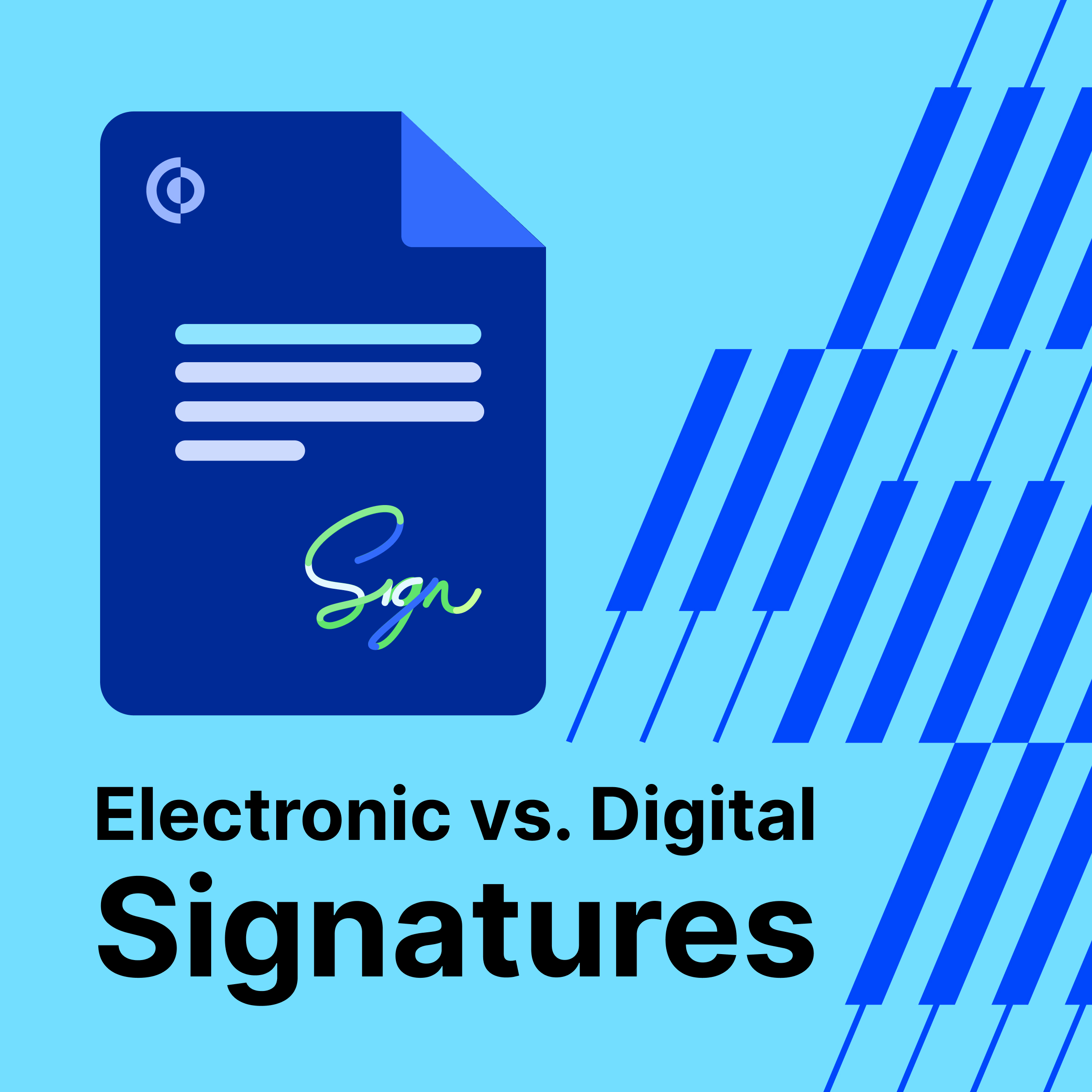
The relationship between digital and electronic signatures is the same as the relationship between squares and rectangles. All digital signatures are electronic signatures. Electronic signatures are a broader category that includes many forms that are not digital signatures.
Electronic signatures are the broad category. Any signature that is not wet ink qualifies.
Digital signatures are a specific subset. They rely on cryptography to lock document content and ensure it cannot be changed after signing. They use a certificate generated by a Public Key Infrastructure (PKI), which includes:
- Public key: Encrypts or "scrambles" the data.
- Private key: Decrypts or "unscrambles" the data.
The PKI ensures that only the person with the private key can access the document. The sender can authenticate the recipient's identity by linking it to the document and maintaining its integrity throughout.
Cryptographic signatures create a verifiable link between the signatory and the document. This technology detects any changes made after signing. Even a single character modification will invalidate the signature. Advanced systems also include timestamp verification, audit trails, and certificate validation to create a complete chain of trust that holds up in legal proceedings.
The three different types of electronic signatures
Not all e-signatures provide the same level of protection. In 2016, the European Union passed the electronic Identification, Authentication, and Trust Services (eIDAS) regulation, which standardized electronic identification, signing processes, seals, and documents across the EU. The eIDAS framework defines three tiers of electronic signatures based on the level of protection they provide. This taxonomy is now widely referenced beyond the EU as a practical framework for assessing signature assurance levels.
Simple electronic signatures (SES)
SES is the easiest type of e-signature to manage and the one that provides the least validation. An SES is electronic data sent to or associated with other information that someone signs. A common example: a PDF that a user downloads, signs, and sends back via email. These do not include PKI.
Companies use SES when they do not need to verify a person's identity and have reason to believe the signature is authentic based on existing context. SES works for low-risk documents where the recipient simply needs to acknowledge that they read and understood the content.
Use SES for: Internal policy acknowledgments, low-stakes consent forms, and documents where the parties already have an established relationship and identity is not in question.
Advanced electronic signatures (AES)
An AES uses a Certificate Authority (CA) to uniquely identify the signatory and validate their identity. A delivery service provider typically creates audit trails with evidence about the transaction.
AES provides visibility and documentation across authenticity, identity, authentication, and integrity. It is the appropriate choice when some level of identity verification is required but the full legal weight of a QES is not necessary.
Use AES for: Business contracts, purchase agreements, insurance forms, and documents where identity verification adds meaningful protection without requiring the highest level of assurance.
Qualified electronic signatures (QES)
QES is the highest tier. It is for situations where a company must have complete documentation across authenticity, identity, authentication, and integrity. Under eIDAS, a QES is legally equivalent to a handwritten signature.
QES requires:
- Identification using a CA, in-person validation, or video verification
- A PKI certificate issued with appropriate technology by an accredited Qualified Trust Service Provider
QES is the most secure e-signature type and also the most demanding to implement. It is the right choice when the document must be legally defensible without question.
Use QES for: Real estate closings, loan agreements, wills and estate documents, and any transaction where the legal stakes are high enough to require the strongest possible identity assurance.
Wet signatures and other signature types
Beyond the eIDAS tiers, two additional signature types appear regularly in business and legal contexts.
Wet signatures are physical marks made with pen on paper. They carry the highest standing in most jurisdictions worldwide and remain required for certain legal documents, including some wills, deeds, and court filings. The limitation is practical: wet signatures require in-person presence, which slows down workflows and creates logistical friction.
Clickwrap signatures are unique to online commerce. When a user clicks "I Agree" before completing a purchase or registration, they are applying a clickwrap signature. These are legally binding when best practices are followed, but they are appropriate only for simple consent scenarios like terms of service agreements. They are not a substitute for signatures on contracts or regulated documents.
Are electronic signatures legally valid?
Yes, in most jurisdictions. In the United States, the Electronic Signatures in Global and National Commerce Act (ESIGN Act) and the Uniform Electronic Transactions Act (UETA) establish that electronic signatures carry the same legal weight as handwritten signatures for most commercial transactions. The EU's eIDAS regulation provides the equivalent framework across member states.
The enforceability of a specific e-signature depends on whether it meets the requirements of the applicable law and whether the signature type matches the document's risk level. A basic SES may be enforceable for a low-risk agreement. For a mortgage or a power of attorney, regulators and courts will look for stronger identity assurance.
Key compliance considerations:
- Financial services, healthcare, and real estate face stricter requirements that often mandate AES or QES.
- Some document types, including certain wills and court filings, still require wet signatures in many jurisdictions.
- Organizations operating across multiple jurisdictions must meet the highest standard required in any location where they do business.
Choosing the right signature type for your business
The decision between SES, AES, and QES depends on three factors: risk tolerance, regulatory requirements, and the value of what you are protecting.
A practical framework:
- Low risk, low value: SES is sufficient. Internal acknowledgments, basic consent forms, and documents where identity is already established through other means.
- Moderate risk, regulated context: AES. Business contracts, insurance forms, procurement documents, and agreements where identity verification adds meaningful protection.
- High risk, high value, or legally sensitive: QES or a digital signature with strong identity verification. Real estate closings, loan agreements, wills, trusts, and any document that may need to hold up in litigation.
The wrong choice in either direction creates problems. Applying QES to every internal form wastes time and money. Applying SES to a mortgage closing creates legal exposure.
Electronic signature use cases by industry
For a document to be legally binding, companies in regulated industries typically need AES or QES because they provide stronger documentation about the signatory. Here is how different industries apply the different types of signatures:
- Contract management: E-signatures let companies send documents in bulk, track signatory completion, and integrate everything into a centralized repository. This digitizes contract lifecycle management without sacrificing auditability.
- Mortgages and eClosings:Banks and lenders use e-signatures as part of the eClosing process. Digital signatures on mortgage closing documents reduce errors, accelerate funding, and give all parties immediate access to completed packages.
- Insurance claims processing: Insurers need to validate recipient identity before paying out claims. E-signatures let them digitize the entire claims process while maintaining the documentation required for regulatory compliance.
- Legal agreements: Law firms need to validate and authenticate all signatories to enforce documents. E-signatures streamline these processes and reduce the risk of human error in identity verification.
- Wills, trusts, and estates: Trust and estate law relies on signed documentation to ensure a person's wishes are fulfilled and trustees meet their fiduciary duties. E-signatures can streamline these processes while maintaining the identity verification that makes them enforceable.
- Purchase orders: E-signatures in procurement ensure that the person signing has the appropriate authority, reducing fraud risk in the supply chain.
What makes a digital signature compliant?
A digital signature is compliant when it meets three conditions. First, the signature must be generated using a certificate issued by a trusted Certificate Authority. Second, the document must be cryptographically sealed so that any post-signing alteration invalidates the signature. Third, the identity of the signer must be verifiable through the certificate chain.
Compliance also depends on the regulatory framework that applies to the document. Under eIDAS, a QES requires a certificate from an accredited Qualified Trust Service Provider. Under ESIGN and UETA in the United States, the requirements are less prescriptive, but the underlying principle is the same: the signature must be attributable to a specific person and the document must be tamper-evident.
Audit trails are a critical component. Advanced e-signature platforms generate audit trails that document the signing event, the identity verification steps completed, the timestamp, and the device used. These records are what allow a signature to hold up in a dispute years after the fact.
Which digital signatures include audit trails?
AES and QES both include audit trails by design. A delivery service provider creates evidence about the transaction, including the identity verification steps taken, the timestamp, and the document state at the time of signing.
Basic SES typically does not generate a meaningful audit trail. The only record may be an email thread or an IP address log, which provides limited evidentiary value.
Digital signatures backed by PKI go further. The cryptographic record embedded in the document itself serves as a tamper-evident audit trail. Any modification to the document after signing is detectable without reference to an external log.
For organizations in regulated industries, the audit trail is often as important as the signature itself. It is the evidence that answers the question: "Who signed this, when, and what did they agree to?"
Fraud prevention in high-stakes signing workflows
Financial services, real estate, and healthcare face increasing threats from sophisticated fraud. The signature is the moment of commitment in a transaction, which makes it a target.
The risks are specific:
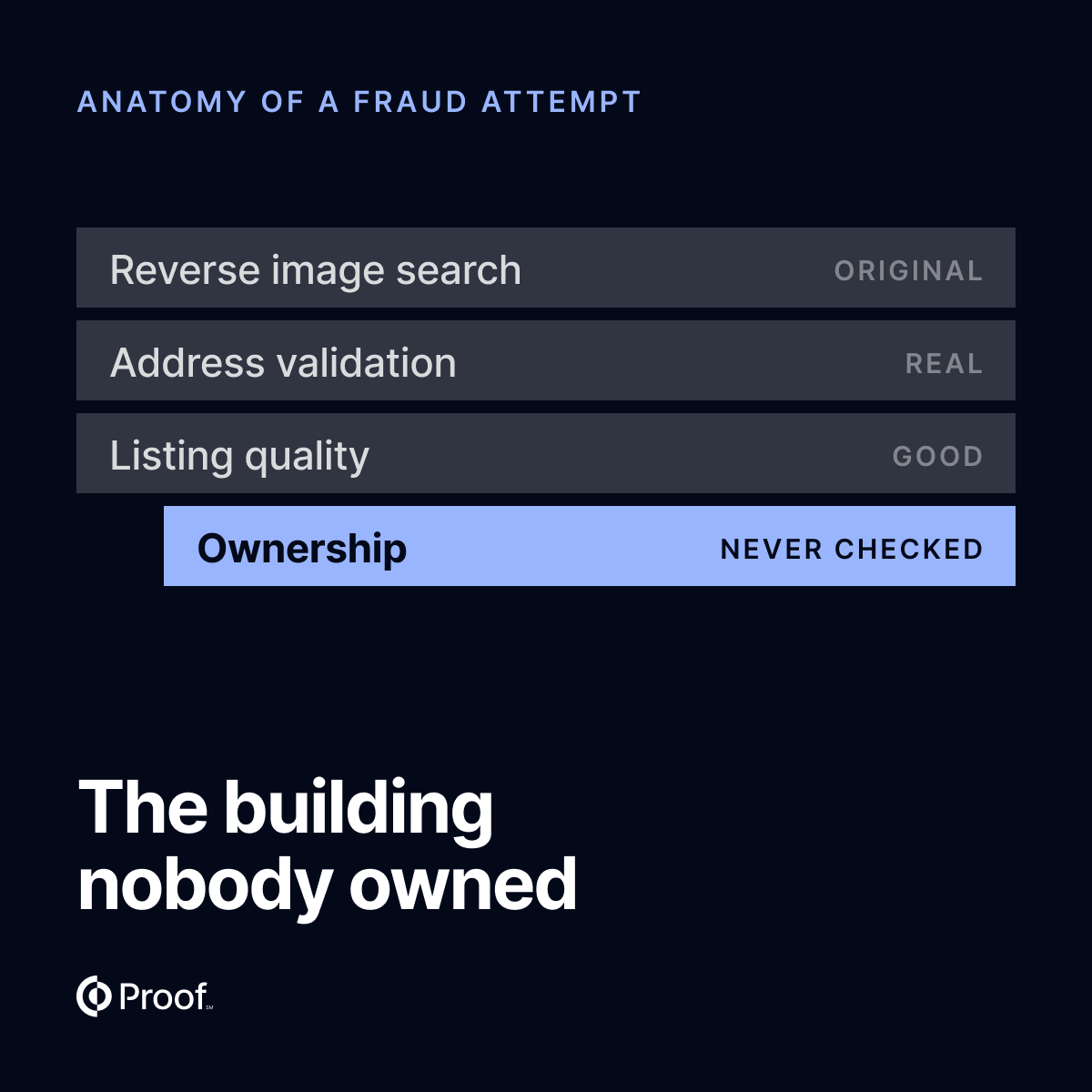
- Forged documents: Altered PDFs submitted as originals
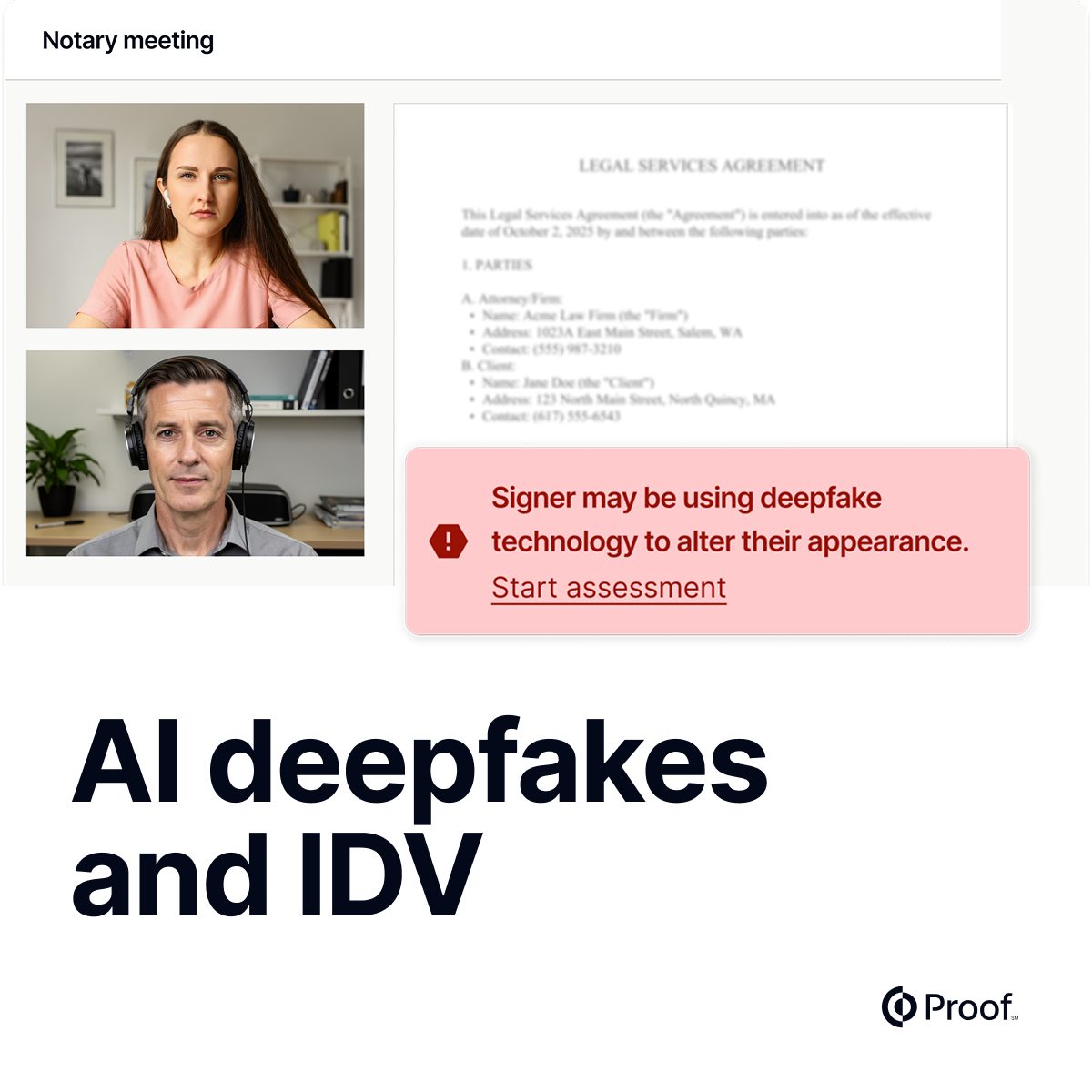
- Impersonation: Someone signing as another person using stolen credentials
- Synthetic identity fraud: A fabricated identity used to open accounts or close loans
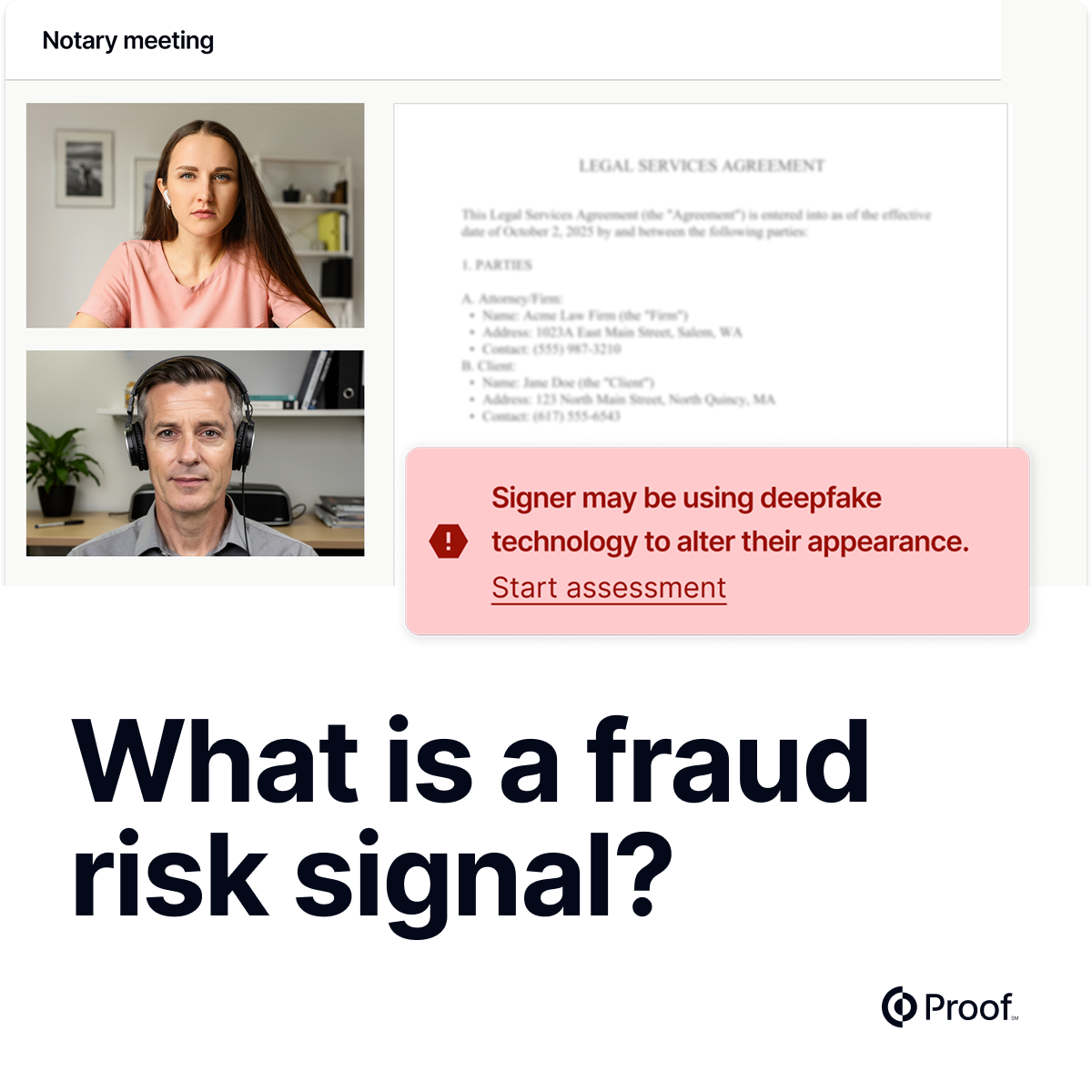
Advanced e-signature platforms address these risks by integrating identity verification directly into the signing workflow. Platforms that verify signers to NIST IAL2 complete credential analysis, knowledge-based authentication (KBA), and biometric comparison before the signature is applied. The result is a signature that is bound to a verified legal identity, not just an email address.
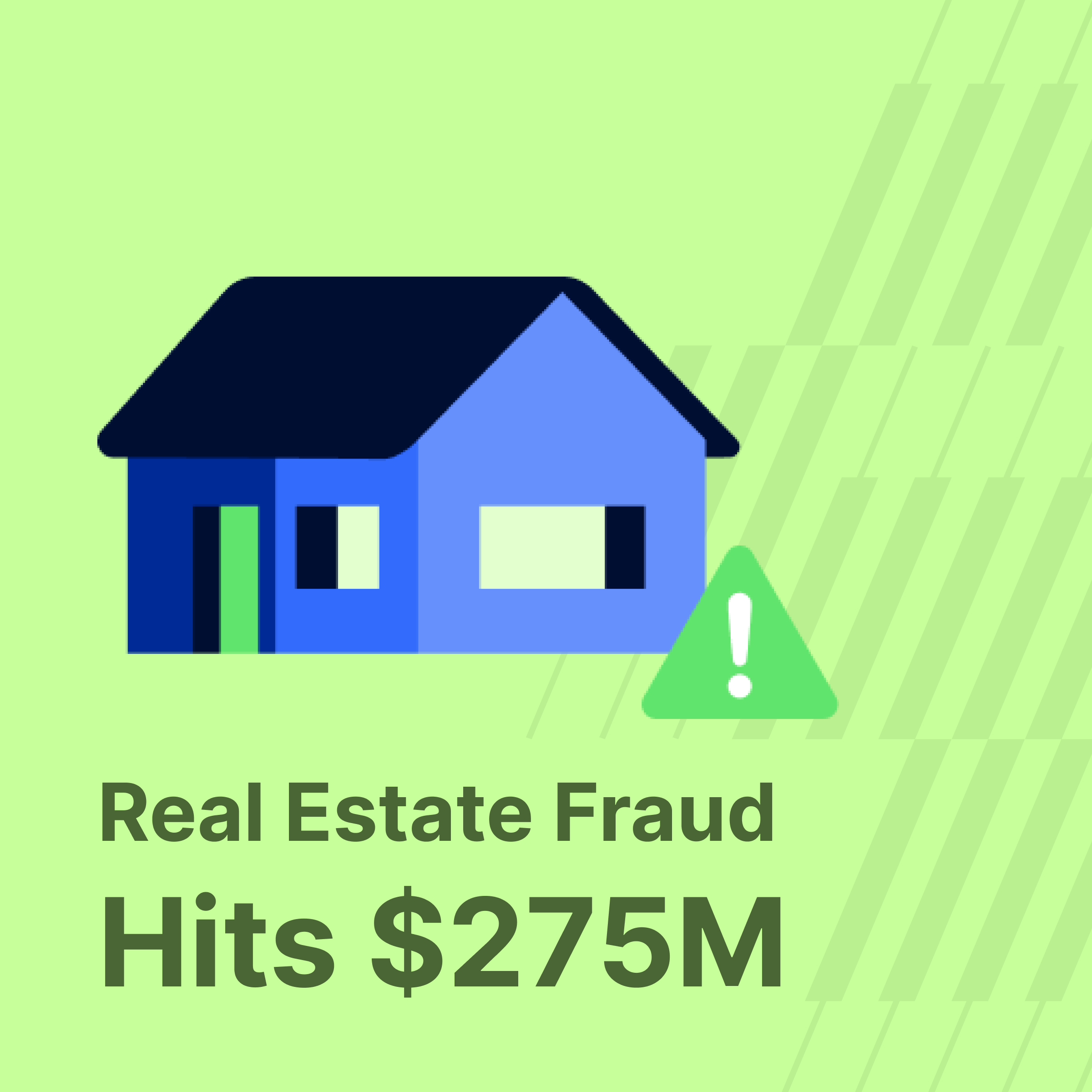
Real estate fraud losses reached $275 million in 2025, up 58% in a single year. Most basic e-signature tools cannot tell you whether the person who clicked "sign" is who they claim to be. The signature type matters, but so does the identity verification layer underneath it.
How Proof verifies electronic signatures
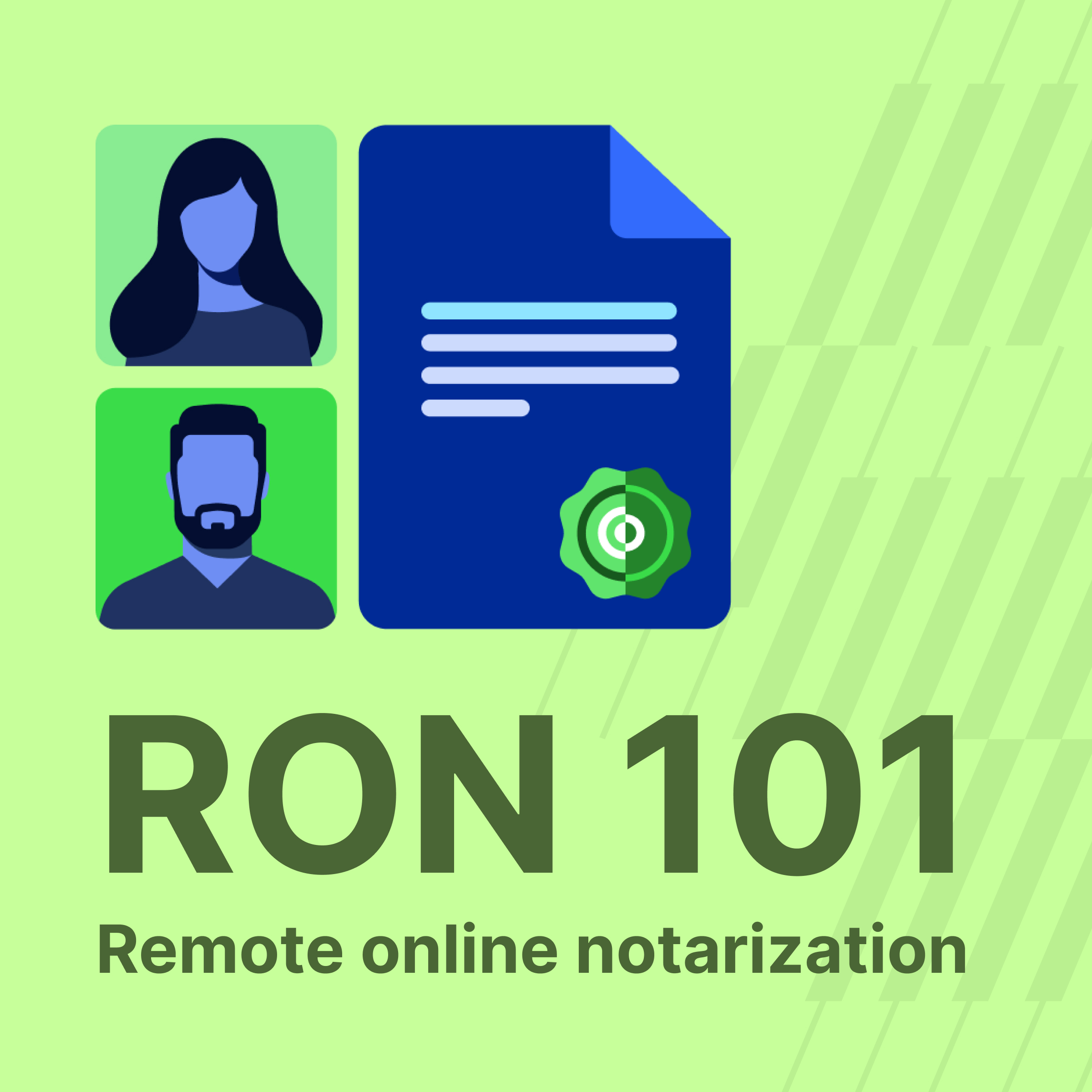
As businesses move to digital models, they need to ensure that all signatories on legal documents are verified. Proof's online notarization services give organizations a way to ensure the authenticity, identity, integrity, and authentication of digital signatures across high-stakes workflows.
Proof verifies signers to NIST IAL2, completing credential analysis, KBA, and biometric comparison in under five seconds. Every completed transaction generates a tamper-evident audit trail that documents the full verification chain. Organizations can monitor document completion and track notarizations through the platform, building a secure e-signature process that holds up under regulatory scrutiny.
Proof's platform supports 24/7 access to notaries from any computer, smartphone, or tablet, eliminating the time and logistics of in-person signing without sacrificing the identity assurance that high-stakes documents require.































.jpg)




































.jpg)