

Identity assurance built into every hire
Most identity checks happen once, at a single point in the process. Proof runs inside Lever to verify identity continuously, from application to Day One, so the person you hire is the person who actually applied.
Now live in the Lever Marketplace.

What HR and TA teams keep telling us
Common challenges we hear from talent acquisition and HR leaders.
“Candidates aren't always who they say they are. We have high volume, thousands of them coming through our system.”
“We're filtering through so much noise right now. We've had jobs posted for months because we can't find a real candidate who is authentically themselves.”
“I don't have time to figure out if 600 candidates are real. There are indicators that make it easier to catch some of them, but it's still a huge time suck.”
“We're coming across a lot of situations where the candidate applying is using someone else's identity. Once it's time to make an offer, they drop off the face of the earth.”
“We almost hired someone, then found out he'd stolen somebody's entire identity. It's a huge burden for us.”
“We've experienced this kind of fraud personally, to the point of having the FBI involved.”
“People are getting through our interview process, and then someone else shows up to work.”
“Candidates aren't always who they say they are. We have high volume, thousands of them coming through our system.”
“We're filtering through so much noise right now. We've had jobs posted for months because we can't find a real candidate who is authentically themselves.”
“I don't have time to figure out if 600 candidates are real. There are indicators that make it easier to catch some of them, but it's still a huge time suck.”
“We're coming across a lot of situations where the candidate applying is using someone else's identity. Once it's time to make an offer, they drop off the face of the earth.”
“We almost hired someone, then found out he'd stolen somebody's entire identity. It's a huge burden for us.”
“We've experienced this kind of fraud personally, to the point of having the FBI involved.”
“People are getting through our interview process, and then someone else shows up to work.”
One-time checks leave gaps across the hiring process
Most identity verification happens once, usually early in the process. But deepfake interviews, proxy candidates, and stolen identities can show up at any stage: during interviews, after an offer, or on Day One. Proof verifies identity continuously across the full hiring lifecycle with Lever, so the person who applied is the person who shows up to work.

Passively screen applications
When a candidate applies, Proof checks their contact details against risk signals that flag synthetic identities. A risk score writes back to Lever without friction for real candidates.

Configure by role and risk
Set verification depth by role, team, or risk level. Not every open position carries the same exposure, so your screening shouldn't either.

Verify without leaving Lever
Trigger identity verification automatically when a candidate changes stage. Government ID and liveness checks run in the background while your recruiters stay in their normal Lever workflow.

Risk scores sync back into Lever
Risk scores, verification status, and detailed audit trails for each verification touchpoint sync back to the candidate record in Lever, giving your team a single source of truth.
Why Proof + Lever?
Assurance for your team. Efficiency for your recruiters and candidates.

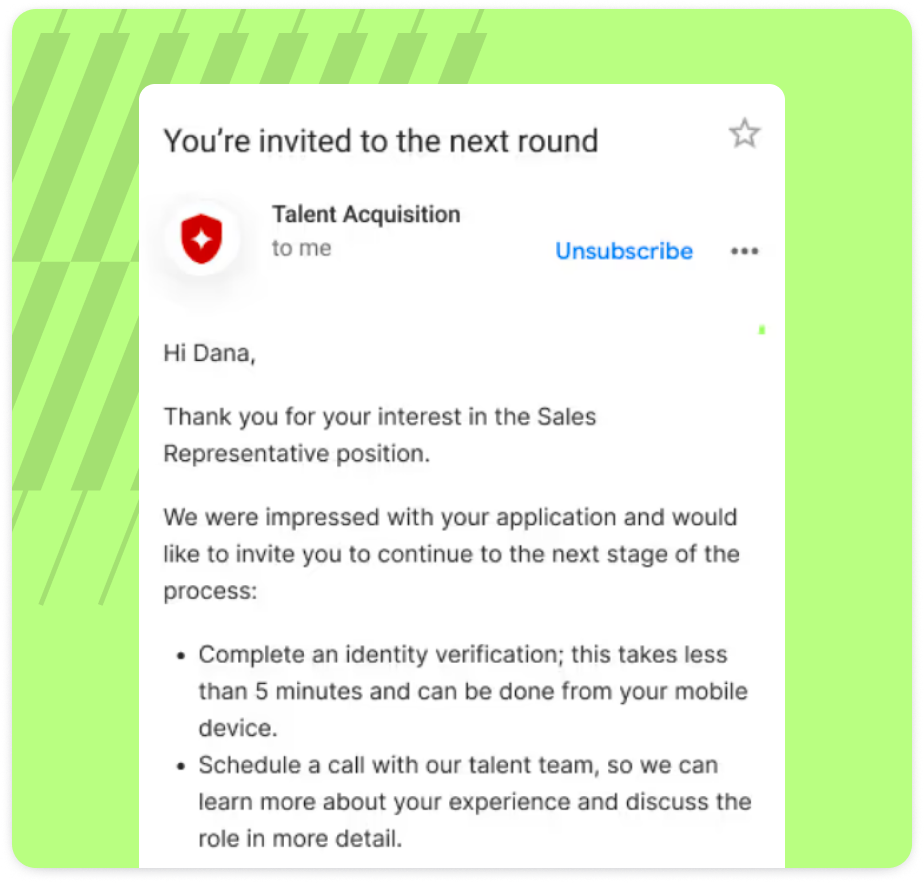
What skipping identity verification actually costs
Proof's own hiring team faced the same gap this page describes. Here's what fixing it looked like.
$650,000
in annual fraud risk from candidate identity fraud, before Identify
$270,000
in annual savings from catching fraudulent applications before the interview stage
100,000+
applications per year, screened without slowing down real candidates
“In a world where remote work is the standard, you can't afford to guess who you're hiring. Using Identify allowed us to protect our culture and our company's data by ensuring every new hire started on a foundation of verified trust.”
Ashley Bird, Director of People Operations and Experience, Proof
Read the full case studySee Proof in your Lever workflow
Tell us a bit about your hiring team and we'll show you how Proof fits into your existing Lever setup.